Unity Tutorial 05
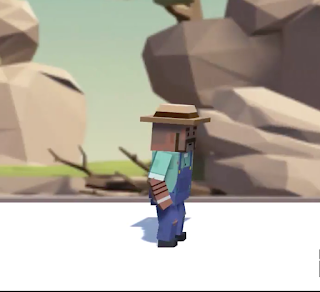
Image from the tutorial For this weeks Unity tutorial I had to continue on from last weeks in which I made the character in the image above move along the screen and jump over obstacles when the spacebar is pressed however once the character gets to a certain point the background disappears so I had to make the background move along with the character. I wasn't able to duplicate the background images because eventually the image slides would've run out so instead I reset my background and added two background slides right beside each other and created a new script called RepeatBackground.cs and added it to my Background Object folder. I then had to add a private Vector3 variable to my background script and call it startPos; I then had to go to my Start method and set the startPos variable to transform.position; I then had to add an if-statement in my Update method called if(transform.position.x < startPos.x-50). I then had to add transform.position = startPos; to my if-state...